
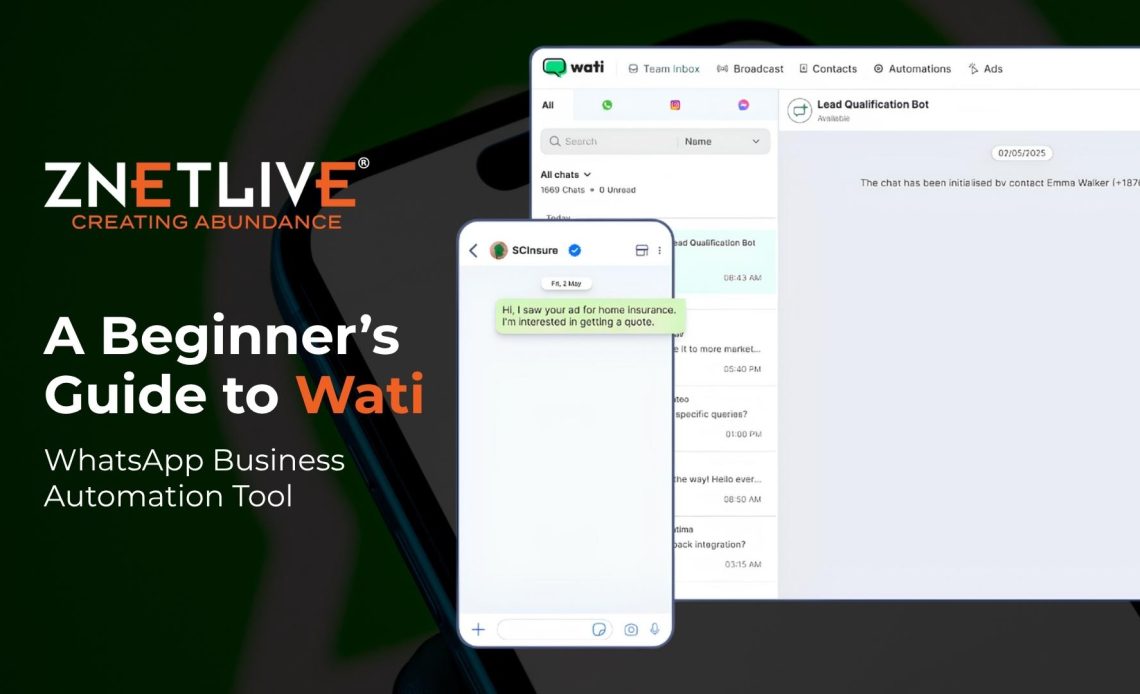
Businesses today need faster ways to connect with customers. WhatsApp has become a key communication channel supported by modern business automation tools.
As per statistics, it has over 3.3 billion monthly active users and more than 150 billion messages sent daily. WhatsApp also delivers strong engagement, with business messages achieving open rates of up to 95–98%.
Customers expect quick and personalized responses, making real-time communication essential. However, managing conversations manually can slow down operations and affect response quality.
This is where automation tools come in. They help businesses handle large volumes of messages efficiently without increasing workload.
Wati is one such platform that enables businesses to automate customer communication on WhatsApp. This guide explains what Wati is, how it works, and how businesses can use it effectively.
What is Wati?
Wati is a WhatsApp Business API platform designed to help businesses automate customer communication. It allows teams to manage chats, run campaigns, and build automated workflows from a single dashboard.
Unlike the standard WhatsApp Business app, Wati supports multiple users, automation, and integrations. It is widely used for marketing, customer support, and engagement.
Businesses can use Wati to send bulk messages, manage leads, and improve response times without manual effort.
How Wati Works?
Wati works by connecting your business number to the WhatsApp Business API. Once connected, you can manage all conversations through a centralized dashboard.
The platform allows you to create automation rules, build chatbot flows, and send broadcast messages. When a customer sends a message, the system can respond automatically based on preset conditions.
You can also track conversations, assign chats to team members, and monitor performance through analytics tools. This setup makes how Wati works simple and efficient for growing teams.
Key Features of Wati
Wati offers several features that help businesses scale communication efforts. It simplifies customer interaction by combining automation, collaboration, and marketing tools in one place. Below are the listed key features:
1. Shared Team Inbox
Multiple team members can access and respond to customer chats from a single dashboard. This improves collaboration and response time. It also helps teams manage conversations efficiently without missing any customer queries.
2. Chatbot and Automation Builder
Wati provides a no-code builder to create automated workflows and chatbot flows for different use cases. Businesses can set up rules and responses based on customer actions. This reduces manual effort and ensures instant replies.
3. Broadcast Campaigns
Businesses can send bulk messages to customers for promotions, updates, and reminders. These campaigns can be personalized to improve engagement and reach the right audience at the right time.
4. CRM Integrations
Wati integrates with tools like Shopify, HubSpot, and Zapier to streamline workflows. This allows businesses to sync customer data and automate actions across different platforms. It also helps maintain a consistent communication flow.
5. Analytics Dashboard
Users can track message performance, engagement, and team efficiency in real time. The dashboard provides useful insights that help businesses optimize campaigns and improve customer communication strategies.
How to Use Wati WhatsApp
It is easy to use Wati and does not require advanced technical knowledge. Businesses can quickly set up their account and begin managing customer conversations in a structured way.
You just need to follow a few simple steps to get started. Teams can connect to the WhatsApp Business API, organize workflows, and use automation for daily communication.
Below are the steps to get started with Wati:
- Sign up for Wati and connect your WhatsApp Business API
- Verify your business account through Meta
- Add team members to manage conversations
- Create message templates and automation flows
- Launch campaigns and track results
This process shows how to use Wati WhatsApp effectively for daily operations.
Use Cases of Wati for Businesses
Wati can be used across multiple business functions to simplify communication and improve customer engagement. Businesses can automate interactions, manage conversations, and streamline workflows through a single platform. Some of the use cases include:
- Customer support: Automate replies and reduce response time
- Sales: Capture leads and follow up instantly
- Notifications: Send order updates and reminders
- Campaigns: Promote products and services to customers
These use cases make Wati suitable for businesses looking to scale communication.
What is Wati WhatsApp Marketing?
Wati enables businesses to run effective WhatsApp marketing campaigns. You can segment contacts and send personalized messages at a scale. Broadcast campaigns help businesses share offers, updates, and product launches with a large audience.
With automation, businesses can engage customers at the right time and improve conversions. This makes Wati WhatsApp marketing a strong channel for growth.
Benefits of Using Wati
Wati offers several advantages for businesses looking to improve communication and efficiency. It helps teams manage customer interactions smoothly while reducing manual effort.
Major benefits of Wati include the following:
- Faster response time through automation, ensuring customers get quick replies
- Improved customer engagement through personalized and timely communication
- Reduced manual workload for teams by automating repetitive tasks
- Better tracking and analytics to monitor performance and improve strategies
These benefits help businesses streamline operations, improve efficiency, and deliver a better overall customer experience.
Why Choose Wati?
Here are key reasons why Wati is the top-rated WhatsApp automation solution trusted by 50,000+ businesses globally:
- Robust WhatsApp Infrastructure: Wati provides enterprise-level access to the WhatsApp Business API, enabling communication at immense scale. You can run multi-channel campaigns across SMS, Email, Push, and WhatsApp seamlessly.
- Smart Analytics: Wati offers detailed analytics into all aspects of your chatbot and live chat performance on WhatsApp. Gain actionable insights to further optimize customer interactions.
- Omnichannel Support: Manage other conversational channels like Web Chat, SMS, Facebook Messenger, and Instagram alongside WhatsApp from a unified dashboard.
- Built-in CRM: An integrated CRM stores all your WhatsApp customer interactions and simplifies lead management across communication channels.
- Ironclad Security: SOC 2 certified security safeguards your WhatsApp data with 256-bit encryption, data privacy, and backup mechanisms.
- Budget-Friendly: Wati’s transparent WhatApp pricing ensures great value without any hidden costs. The tool pays for itself via increased conversions powered by automation.
With a perfect blend of cutting-edge technology and simplicity, Wati enables even the most novice users to harness the revenue-driving power of WhatsApp Business API.
Who Should Use Wati
Wati is suitable for different types of businesses that want to improve customer communication. It is commonly used by small and medium businesses, ecommerce brands, service-based companies, and startups looking to automate communication.
Wati is especially helpful for teams that manage a large volume of customer messages on a daily basis.
- Small and medium businesses
- Ecommerce brands
- Service-based companies
- Startups looking to automate communication
It is especially helpful for teams managing a large volume of customer messages.
Wati vs WhatsApp Business App
The WhatsApp Business App is suitable for small teams with basic communication needs. However, it has limitations when it comes to automation, scalability, and multi-user access.
Wati, on the other hand, is built on the official WhatsApp Business API and is designed for growing businesses. It supports advanced automation, team collaboration, integrations, and large-scale messaging.
Now that you understand who Wati is best suited for, let’s compare it with the WhatsApp Business App to see how they differ in terms of features, flexibility, and scalability.
| Feature | WhatsApp Business App | Wati (WhatsApp API Platform) |
| Best For | Small businesses & solo users | Growing teams & enterprises |
| Number of Users | Limited (single user / 1–4 devices) | Multiple team members (shared inbox) |
| Automation | Basic (quick replies, labels) | Advanced workflows & no-code chatbots |
| Broadcast Messaging | Limited (restricted contacts) | Scalable bulk messaging with segmentation |
| Personalization | Minimal | High (dynamic fields & targeted campaigns) |
| CRM Integrations | Not supported | Supports Shopify, HubSpot, Zapier, etc. |
| Analytics & Reporting | Basic | Advanced dashboard with real-time insights |
| Customer Support Handling | Manual replies | Automated + agent-assisted workflows |
| API Access | Not available | Available via official WhatsApp Business API |
| Scalability | Limited | Built for high-volume messaging |
| Campaign Management | Not available | Full campaign creation and tracking |
Conclusion
Wati helps businesses manage customer communication on WhatsApp in a more organized and efficient way. It brings together automation, marketing, and support into one platform, making it easier to handle large volumes of conversations without delays.
When manual work reduces, it improves response time, businesses can focus more on building better customer relationships. Features like chat automation, broadcast campaigns, and analytics also help improve engagement and track performance over time.
If you want to understand what Wati is and how Wati works can help businesses, choose the right approach for their communication strategy. With a clear setup and the right use cases, it becomes easier to improve customer experience and scale operations.
For businesses looking to simplify communication and improve results, Wati can be a reliable solution for long-term growth.
Want to get started with WhatsApp automation? Explore Wati’s features or try to streamline your customer communication.