
Think about how much of your workday goes into replying to emails, preparing content, attending meetings, and managing data. These everyday tasks are important, but they can also take up a lot of time and energy.
Work today moves fast, and expectations continue to rise. Many teams struggle to keep up while still focusing on meaningful work. This is where free AI tools can make a real difference.
The right AI tools help you save time, improve accuracy, and handle repetitive work more efficiently. They also support creativity, decision-making, and collaboration across teams.
In this blog, we share a curated free AI tools list that you can start using right away. These tools cover everything from writing and automation to research and social media management. If you are looking for the best free AI tools for office work, this guide will help you get started.
Here are some of the most useful free AI tools you can use in your daily work to simplify tasks and improve efficiency.
1. ChatGPT
ChatGPT is a widely used AI assistant designed for writing, research, coding, and problem-solving tasks.
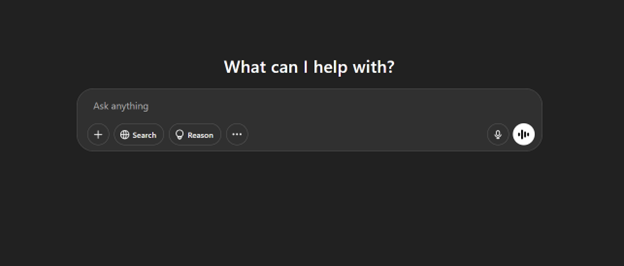
It helps users draft emails, generate content, summarize information, and explain complex topics in simple terms. Many professionals rely on ChatGPT to improve productivity and handle repetitive work more efficiently.
2. Claude
Claude is an AI assistant built for detailed writing, analysis, and content refinement.
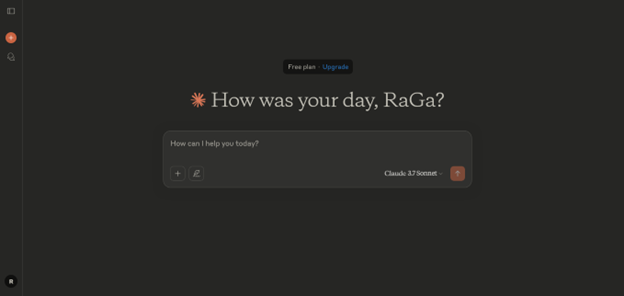
It works well for summarizing long documents, improving tone, and maintaining clarity in communication. Teams often use Claude for structured writing and consistent collaboration across projects.
3. ClickUp AI
ClickUp AI combines task management with AI-powered productivity features.
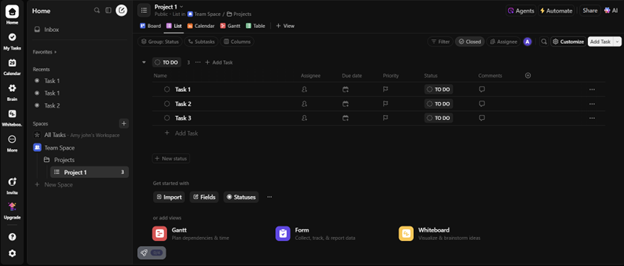
It allows users to organize workflows, track progress, and generate task summaries in one place. Teams use it to improve collaboration and reduce the time spent switching between tools.
4. DeepSeek
DeepSeek is a high-performance AI assistant known for its efficiency and analytical capabilities.
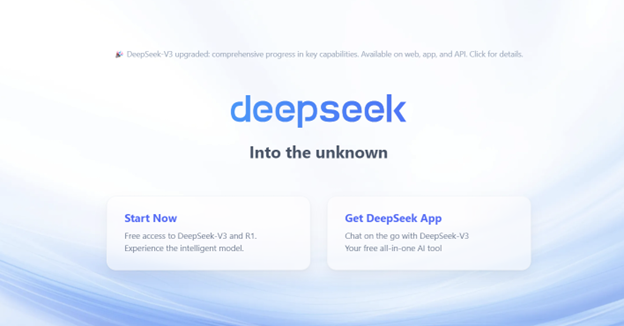
It supports writing, coding, and data analysis tasks with lower resource usage. Developers and researchers often use it for experimentation and cost-effective AI workflows.
5. Gemini
Gemini is Google’s AI tool that integrates with Gmail, Docs, and other Workspace apps.
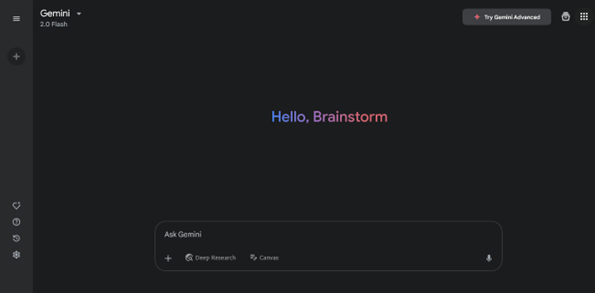
It helps draft emails, summarize content, and organize tasks within familiar tools. Teams that rely on Google Workspace use Gemini to simplify communication and improve productivity.
6. HyperWrite
HyperWrite is an AI writing assistant focused on improving clarity and structure.
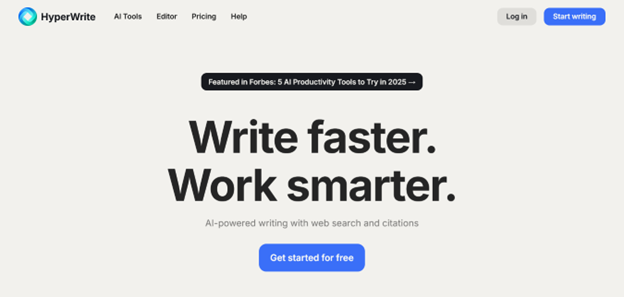
It helps rewrite content, generate ideas, and refine messaging for different tones. Professionals use it to produce polished content without spending too much time editing.
7. n8n
n8n is a workflow automation tool that connects apps and automates repetitive tasks.
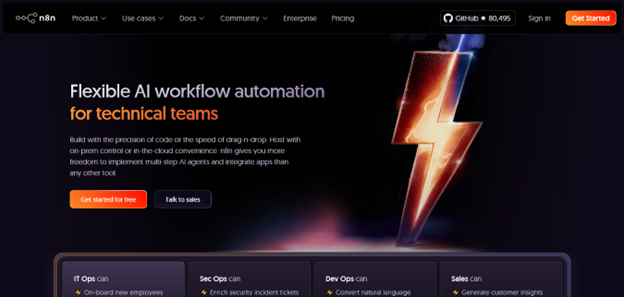
It allows users to create custom workflows for data syncing, notifications, and integrations. Businesses use n8n to reduce manual work and streamline operations.
8. Otter.ai
Otter.ai is a transcription tool that converts conversations into searchable text.
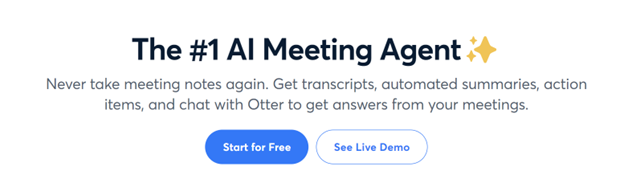
It records meetings, interviews, and discussions in real time and organizes them into structured notes. Teams use it to capture important details and track action items.
9. Perplexity AI
Perplexity AI is a research-focused tool that combines search and AI-generated answers.
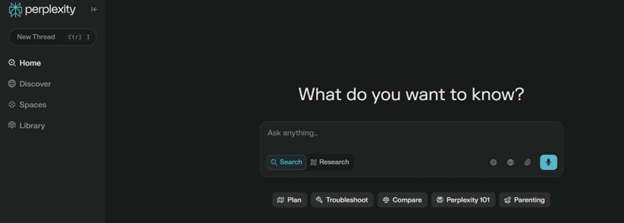
It helps users gather accurate information, summarize sources, and explore topics efficiently. Many professionals use it for research, analysis, and knowledge discovery.
10. Presentations.AI
Presentations.AI helps users create professional slides with automated design suggestions.
It generates layouts, visuals, and content ideas based on your input. This allows users to build presentations quickly without focusing on formatting.
11. Vista Social
Vista Social is a social media management platform powered by AI.
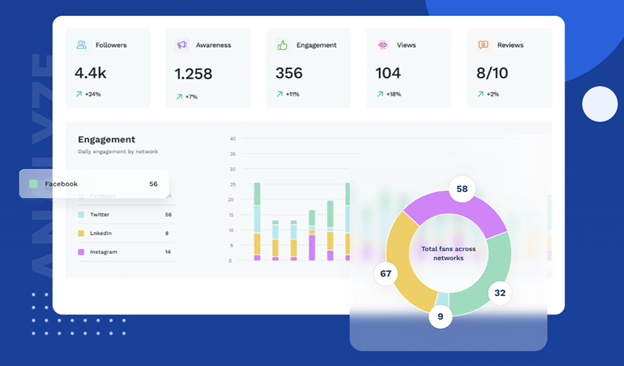
It helps users schedule posts, manage engagement, track performance, and monitor conversations. Marketing teams use it to manage multiple platforms from a single dashboard.
These tools serve different purposes, so the comparison below can help you quickly identify which ones match your needs and workflow.
|
Tool |
Best For | Key Strength |
Ideal Users |
| ChatGPT | Writing, coding, general tasks | Versatile all-in-one AI assistant | Professionals, students, developers |
| Claude | Long-form content, analysis | Clear and structured responses | Writers, analysts, teams |
| ClickUp AI | Project management | Task automation and collaboration | Teams, project managers |
| DeepSeek | Coding, technical tasks | Efficient and cost-effective AI | Developers, researchers |
| Gemini | Workspace productivity | Deep integration with Google tools | Office teams, business users |
| HyperWrite | Content editing | Improves clarity and tone | Marketers, content creators |
| n8n | Automation workflows | Custom integrations and flexibility | Tech teams, operations |
| Otter.ai | Meetings and notes | Real-time transcription | Teams, consultants, HR |
| Perplexity AI | Research and answers | Fast, cited information retrieval | Researchers, students |
| Presentations.AI | Slide creation | Automated design and formatting | Business professionals |
| Vista Social | Social media management | All-in-one social media tools | Marketers, agencies |
How to Choose the Best Free AI Tool?
Not every AI tool fits every need. Your choice for the right one depends on your workflow and goals.
Here are a few key factors to consider:
- Purpose: Identify what you need the tool for, such as writing, automation, or collaboration
- Ease of Use: Choose tools with simple and intuitive interfaces
- Integration: Make sure the tool connects with your existing apps
- Scalability: Look for tools that can grow with your needs
- Limitations: Check the restrictions in free plans
A combination of tools often works better than relying on a single solution.
Conclusion
AI tools are no longer limited to advanced users or large organizations. Many free AI tools now offer powerful features that can support everyday tasks and improve productivity.
From writing assistants and automation platforms to research tools and social media managers, there are options available for every type of work. The key is to start small and identify what works best for your workflow.
As AI continues to evolve, adopting the right tools can help you stay efficient, organized, and competitive in your daily work. At ZNet, we encourage exploring practical solutions that simplify work and help you make the most of modern technology.
FAQs
Q1. What are the best free AI tools available today?
Some of the best free AI tools include ChatGPT, Claude, Gemini, Perplexity AI, and ClickUp AI. These tools support writing, research, productivity, and automation tasks.
Q2. Are free AI tools reliable for office work?
Yes, many free AI tools offer reliable features for office work. They can help with email writing, task management, data analysis, and collaboration.
Q3. How can AI tools improve productivity?
AI tools automate repetitive tasks, provide instant insights, and reduce manual effort. This allows teams to focus on more important work.
Q4. Can small businesses use free AI tools?
Yes, free AI tools are suitable for small businesses. They help reduce costs while improving efficiency and workflow management.
Q5. Do free AI tools have limitations?
Most free plans come with usage limits or fewer advanced features. However, they are still useful for daily tasks and basic needs.
Disclaimer: The list of 11 free AI tools provided in this article is based on independent research and is not a ranking or endorsement. Readers should evaluate tools based on their own requirements and preferences.
