
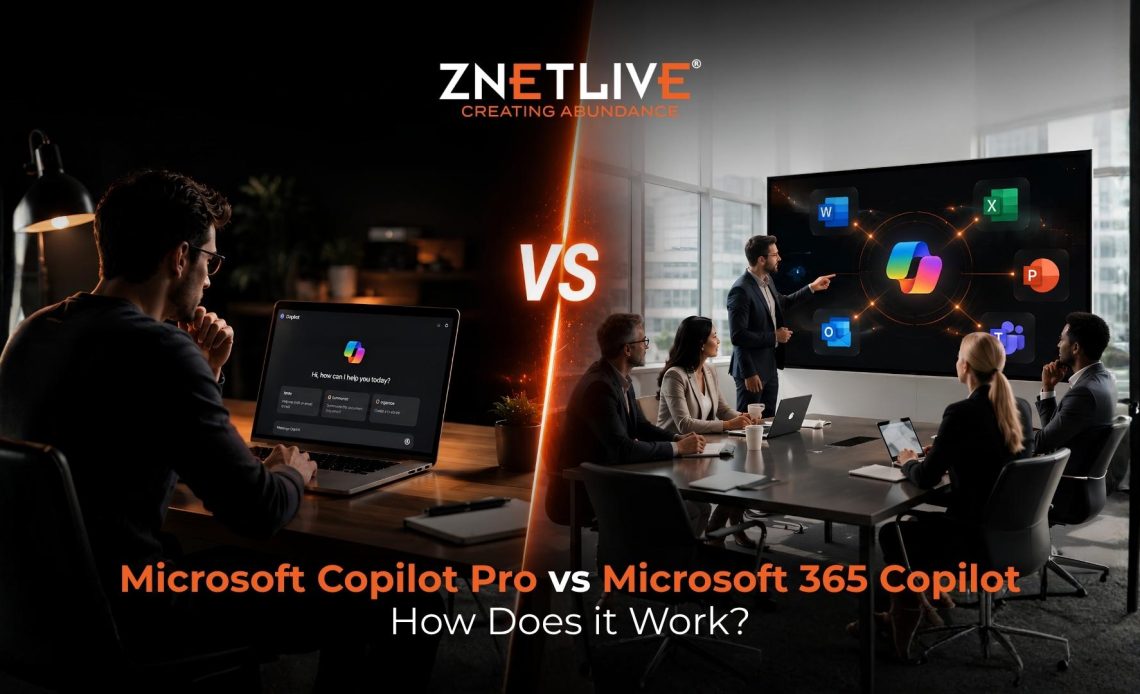
Microsoft Copilot Pro vs Microsoft 365 Copilot is one of the most common comparisons businesses make when evaluating AI productivity tools. Artificial intelligence has become part of the modern workplace, but choosing the right AI subscription is not always straightforward.
Microsoft now offers multiple Copilot options, which often leaves businesses wondering which one delivers the best value.
According to Microsoft, Microsoft 365 Copilot is now used weekly by millions of people across more than one million companies, highlighting how quickly AI assistants have become part of everyday work.
If you’re comparing Microsoft Copilot Pro vs Microsoft 365 Copilot, this guide breaks down the differences, licensing requirements, pricing, and ideal use cases to help you make the right decision.
Why So Many Businesses Get Confused?
Microsoft’s naming convention has evolved quickly.
There is:
- Copilot (free)
- Microsoft Copilot Pro
- Microsoft 365 Copilot
- Microsoft 365 Copilot Chat
At first glance, they sound similar. They are not.
Some plans target individual users. Others are designed specifically for businesses.
Some work only inside Microsoft apps. Others understand your organization’s emails, meetings, documents, and Teams conversations.
That is why choosing the wrong license can result in paying for features your team may never use.
Before Comparing Features, Let’s Understand the Two Products
Think about these products like this.
-
Microsoft Copilot Pro
This subscription focuses on individual productivity.
It enhances applications like Word, Excel, PowerPoint, and Outlook for one user. Freelancers, consultants, students, and professionals often choose this option because it improves personal workflows without requiring an organizational setup.
-
Microsoft 365 Copilot
Microsoft 365 Copilot is built for organizations.
Instead of only helping one user, it connects with Microsoft Graph to understand your organization’s emails, meetings, calendars, Teams chats, files, and business context.
That allows employees to work with information spread across Microsoft 365 Copilot instead of relying only on public web data.
Microsoft Copilot Pro vs Microsoft 365 Copilot at a Glance
| Feature | Microsoft Copilot Pro | Microsoft 365 Copilot |
| Best for | Individual users | Businesses and enterprises |
| Works with Microsoft apps | Yes | Yes |
| Uses organizational data | No | Yes |
| Microsoft Graph integration | No | Yes |
| Enterprise security | Limited | Yes |
| Teams meeting summaries | Limited | Yes |
| Organization-wide collaboration | No | Yes |
| IT management controls | No | Yes |
Although both subscriptions use AI, their purpose is completely different.
What Makes Microsoft 365 Copilot Different?
Many businesses assume Microsoft 365 Copilot simply adds AI into Word or Excel.
That is only part of the story. It understands the context of your work.
Imagine asking:
“Summarize every customer discussion from last week and create a follow-up email.”
Instead of searching through Outlook, Teams, meeting notes, and shared files manually, Microsoft 365 Copilot gathers information from connected Microsoft 365 services and creates a response based on your organization’s data.
This level of context is possible because the solution works with Microsoft Graph and enterprise permissions.
Which Microsoft 365 Subscription Is Required for Copilot Pro?
One of the most common questions businesses ask is: Which Microsoft 365 subscription is required for Copilot Pro?
The answer depends on which Copilot product you’re referring to.
If you want Microsoft Copilot Pro
You can purchase it as an add-on for supported personal Microsoft subscriptions. This option is designed for individuals rather than organizations.
If you want Microsoft 365 Copilot
You need a qualifying Microsoft 365 business license before purchasing the Copilot add-on.
Eligible plans include:
- Microsoft 365 Business Standard
- Microsoft 365 Business Premium
- Microsoft 365 E3
- Microsoft 365 E5
- Office 365 E3
- Office 365 E5
Microsoft clearly states that a qualifying Microsoft 365 subscription is required before adding Microsoft 365 Copilot.
Microsoft 365 Copilot Pro License: What Does It Include?
Although many users search for a Microsoft 365 Copilot Pro license, Microsoft primarily offers Microsoft 365 Copilot as the commercial AI add-on for business users.
A licensed user gains access to AI capabilities across applications such as:
- Word
- Excel
- Outlook
- PowerPoint
- Teams
- OneNote
- Microsoft 365 Copilot Chat
The license also includes enterprise-grade security, privacy controls, and AI experiences grounded in your organization’s Microsoft 365 data.
A Quick Example
Let’s compare two users.
Sarah, a freelance consultant
Sarah writes proposals, creates presentations, and manages her own email. She mainly needs AI assistance for her personal work.
Best choice: Microsoft Copilot Pro
David, an operations manager
David collaborates with multiple teams. His work depends on Outlook emails, Teams meetings, SharePoint documents, Excel reports, and company policies.
He wants AI to summarize meetings, retrieve project updates, draft emails, and answer questions based on internal company data.
Best choice: Microsoft 365 Copilot
The difference isn’t just the features. It’s the amount of business context each solution can access.
Microsoft 365 Copilot Pro Pricing: What Should Businesses Expect?
Pricing often becomes the deciding factor, but it should never be the only factor.
Microsoft Copilot Pro follows a different pricing model than Microsoft 365 Copilot because both products serve different audiences.
At the time of writing:
| Subscription | Designed For | Pricing Model |
| Microsoft Copilot Pro | Individual users | Monthly subscription |
| Microsoft 365 Copilot | Businesses and enterprises | Per-user monthly add-on with a qualifying Microsoft 365 license |
It requires an eligible Microsoft 365 subscription before you can purchase the Copilot add-on. Businesses should evaluate the total licensing cost alongside the productivity gains they expect across teams.
Rather than asking, “Which option is cheaper?”, ask a better question:
Which option helps employees save more time every day?
Which Solution Fits Your Business?
Every organization works differently, so there isn’t a one-size-fits-all answer.
Choose Microsoft Copilot Pro if:
- You work independently.
- Your documents stay on your personal device.
- You mainly use Word, Excel, PowerPoint, and Outlook.
- You don’t need AI to search company emails, Teams chats, or SharePoint files.
Choose Microsoft 365 Copilot if:
- Multiple employees collaborate every day.
- Teams rely on Outlook, Teams, SharePoint, and OneDrive.
- Employees spend time searching for information across different applications.
- Security, compliance, and centralized administration matter to your organization.
- You want AI that understands your business context rather than just individual prompts.
The more collaboration your organization has, the greater the value it can deliver.
Feature Comparison at a Glance
Instead of looking at technical specifications, let’s compare everyday business scenarios.
| Business Need | Microsoft Copilot Pro | Microsoft 365 Copilot |
| Draft emails | ✔ | ✔ |
| Create presentations | ✔ | ✔ |
| Analyze Excel data | ✔ | ✔ |
| Summarize Teams meetings | Limited | ✔ |
| Search company documents | ✘ | ✔ |
| Retrieve Outlook conversations | ✘ | ✔ |
| Access Microsoft Graph | ✘ | ✔ |
| Enterprise security and compliance | Limited | ✔ |
| Centralized IT management | ✘ | ✔ |
The biggest difference is context.
Microsoft Copilot Pro works with the information you provide.
Microsoft 365 Copilot works with the information your organization already owns, while respecting existing permissions and security policies.
Common Mistakes Businesses Make
Organizations often rush into AI adoption without reviewing their existing Microsoft environment.
Here are a few mistakes worth avoiding.
- Purchasing before checking license eligibility
Microsoft 365 Copilot requires a qualifying Microsoft 365 subscription. Without it, the add-on cannot be assigned.
- Buying licenses for everyone immediately
A pilot deployment helps organizations understand real productivity gains before expanding across departments.
- Ignoring security and governance
AI works best when employees have access to accurate, well-managed information.
- Focusing only on cost
The real return comes from time saved, faster collaboration, and improved decision-making, not just the monthly subscription price.
Why Many Businesses Choose a Microsoft Partner
Licensing is only one part of the journey.
Organizations also need guidance on deployment, user adoption, governance, and ongoing optimization.
This is where working with an experienced Microsoft partner makes a difference.
As a Microsoft Solutions Partner, ZNet helps businesses:
- Choose the right Microsoft 365 licensing plan.
- Understand Copilot eligibility requirements.
- Deploy Microsoft 365 Copilot securely.
- Configure security and compliance settings.
- Support user adoption with best practices.
- Optimize licensing investments as business needs evolve.
Instead of navigating Microsoft’s licensing options alone, businesses can rely on ZNet to simplify every step of the process.
Final Thoughts
The discussion around Microsoft Copilot Pro vs Microsoft 365 Copilot isn’t really about which product is better. It’s about choosing a solution that matches the way your business works.
If your goal is to improve personal productivity, Microsoft Copilot Pro delivers a capable AI assistant for everyday tasks. However, if your teams collaborate across Outlook, Teams, SharePoint, OneDrive, and other Microsoft 365 services, Microsoft 365 delivers significantly more value. It brings your organization’s knowledge directly into everyday workflows.
The right implementation matters just as much as the right license. Connect to ZNet’s team, it is a trusted Microsoft Solutions Partner helps organizations evaluate licensing options, deploy Microsoft 365 Copilot securely, and maximize the return on their AI investment.
Whether you’re planning your first Copilot rollout or expanding adoption across teams, ZNet can help you build an AI strategy that aligns with your business goals.